2. Email Verification
After registration, your email address must be verified.
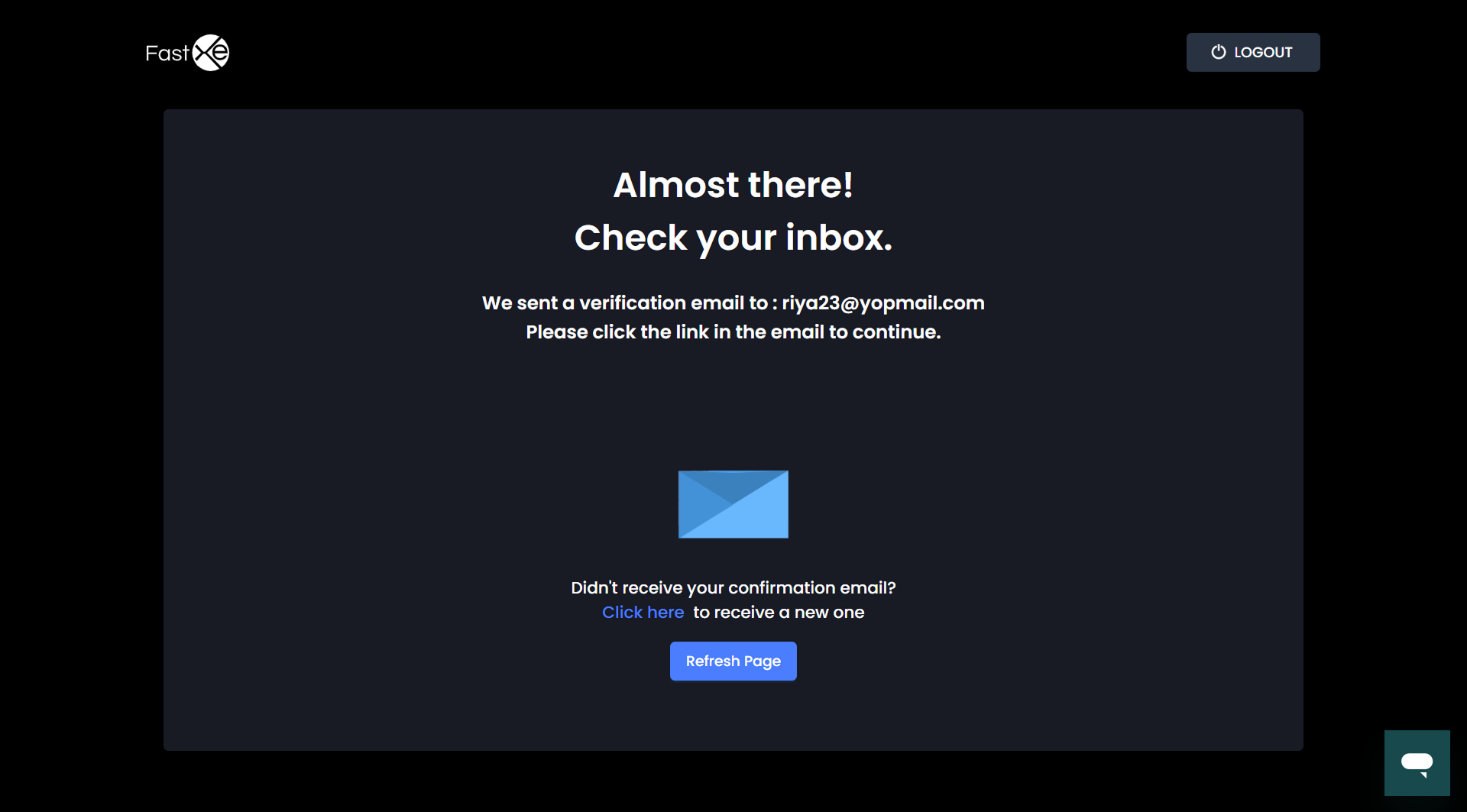
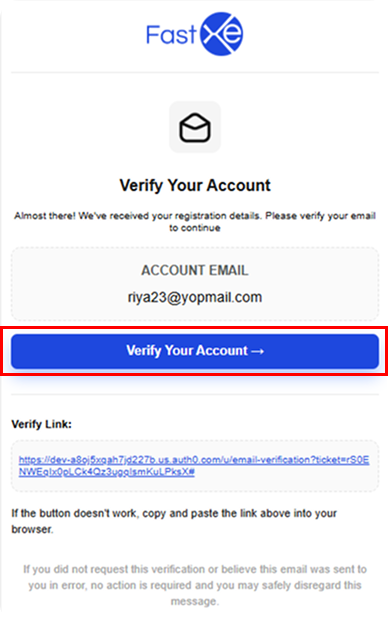
2.1. Check your registered email for the confirmation email, which contains the verification links.
2.2. Click on the verification link to automatically verify your email.
2.3. Once verified, return to the application and click the refresh button or click back to the app.
2.4. The system will automatically redirect to the account selection page.
2.5. Administrative Skip Provision: If the confirmation email is not received, an administrator has the provision to skip that email verification from the admin panel. If the administrator approves the email verification, the system will redirect upon refresh without asking for email verification again.