1. Bank Module
The Bank Module application enables users to perform banking operations, such as account creation, by submitting required documentation (like KYC/KB documents) digitally, eliminating the need to visit a physical bank. This application includes both a user panel and an admin panel.
1. Creating a Bank Account
1.1 Initiate Account Creation
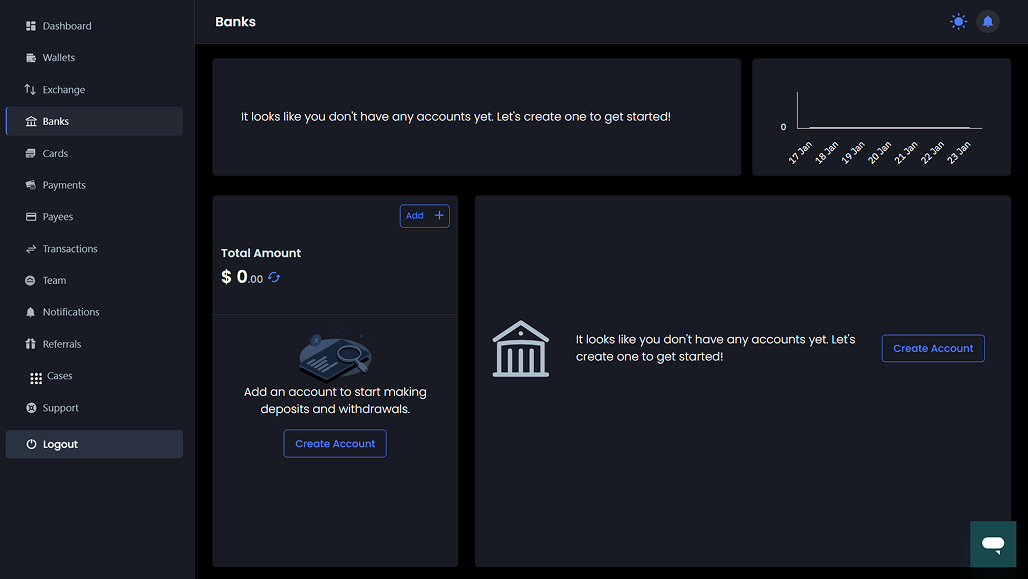
Click on the "create account" option.
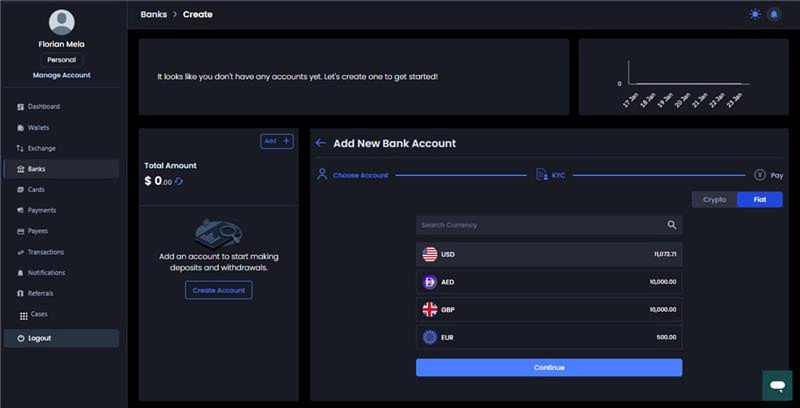
1.2 Select Currency and Review Fees
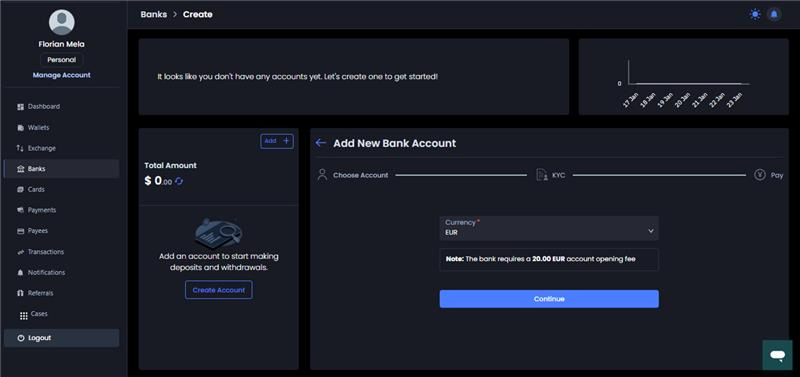
1.2.1 Choose the desired currency (e.g., USD is available).
1.2.2 Review the required account opening fee (e.g., 650 USD for a USD account).
1.2.3 Click "continue".
1.3 Accept Terms and Conditions
You must accept the terms and conditions.
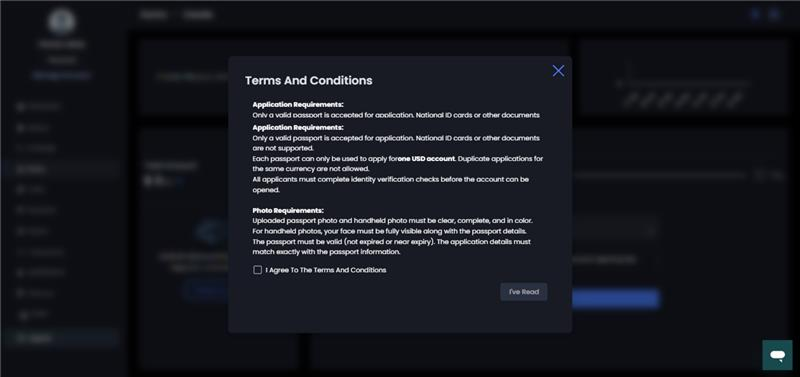
1.4 Provide Documentation and Details
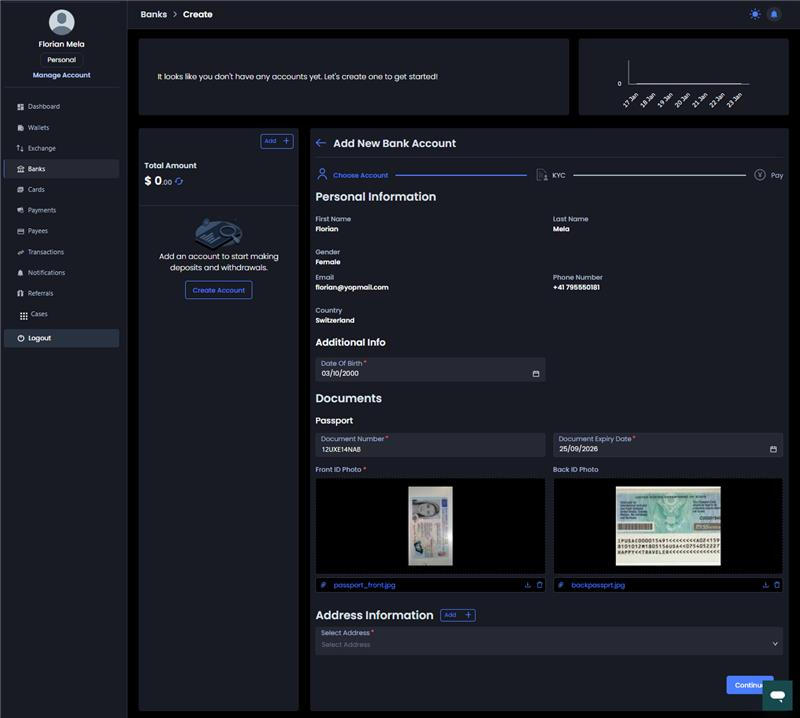
Data previously provided during account registration will be fetched by default. You must provide additional information, including:
1.4.1 Passcode documentation details.
1.4.2 Date of birth, document number, and document expiration date.
1.4.3 Passport front and back documents.
1.4.4 Address details: Select the country and phone number, and choose from saved addresses or a mailing address.
1.5 Payment of Opening Fee
1.5.1 Click "continue".
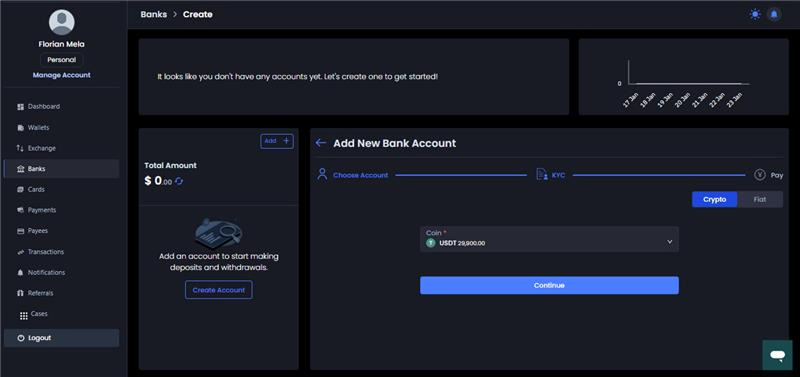
1.5.2 Pay the account opening fee (e.g., 6.5 USD or 650 USD) using either fiat wallets or crypto wallets.
1.5.3 If using crypto wallets, you must choose the coin and the network.
1.6 Verification and Confirmation
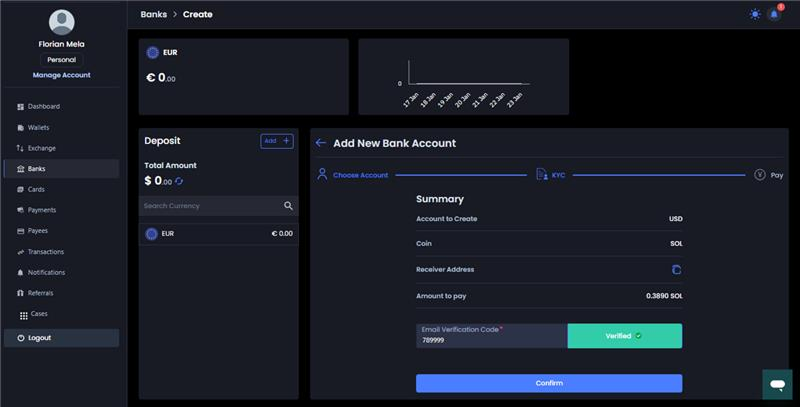
1.6.1 Click on "verify code".
1.6.2 Enter the phone verification code and click "verify".
1.6.3 Click "confirm".
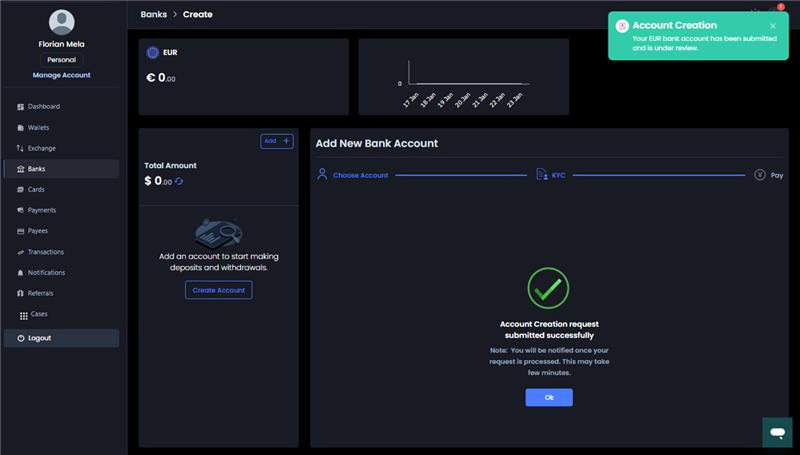
1.6.4 Upon payment confirmation, a message confirms successful account submission. Click "okay".