5. Withdrawing Funds
5.1 Initiate Withdrawal Request
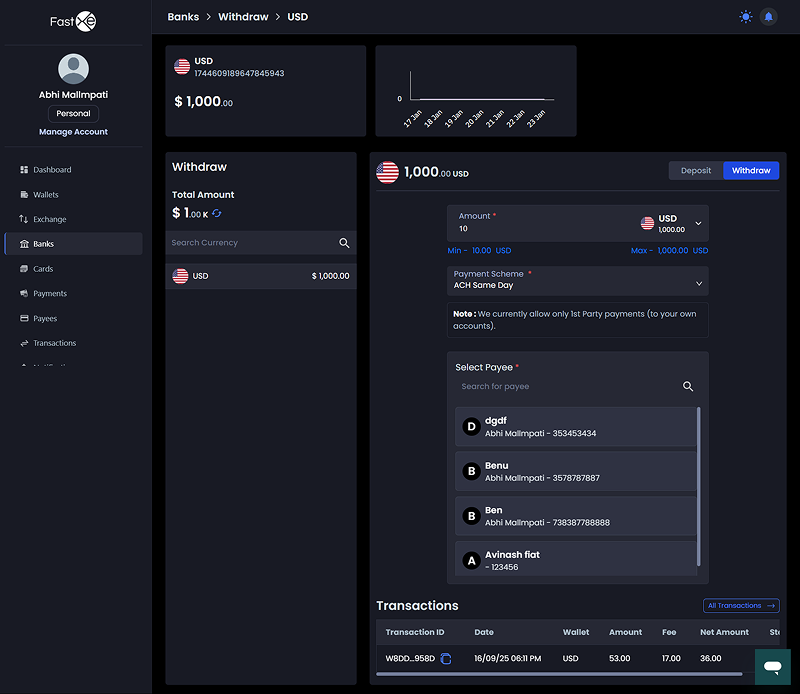
5.1.1 Go to the "banks" section and click on "withdraw".
5.1.2 Enter the amount you wish to withdraw (e.g., 500). 5.1.3 Select the approved payee.
5.2 Review and Confirm
5.2.1 Review the summary, which includes the transfer amount, fee being charged (e.g., 12), receiving amount, and receiving details (holder name, bank name, etc.).
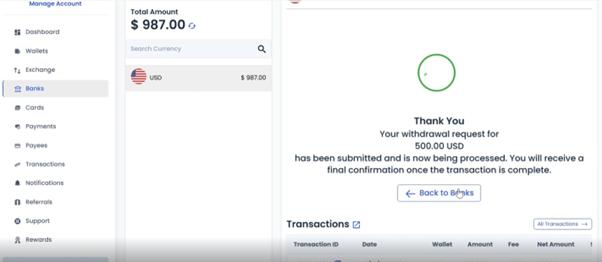
5.2.2 Verify the code and click "confirm".
5.2.3 The transaction will appear in the transactions grid.
5.3 Admin and Provider Withdrawal Approval
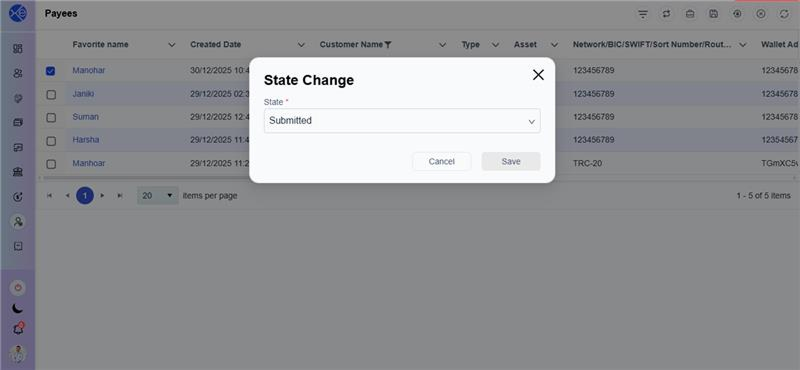
5.3.1 The Admin must go to "transactions," select the withdrawal request, and change the status from pending to approved.
5.3.2 Once the Admin approves, the details are transferred to the related provider.
5.3.3 The provider performs the final approval or rejection.
5.3.4 If the provider rejects the transaction, the amount will be returned to your customer account.
5.3.5 Upon final approval, you will receive a notification, and the transaction status will be updated to "approved".