3. Depositing Funds
3.1 Executing the Deposit
Use your approved bank details (account number, SWIFT code, etc.) to deposit funds via external payment systems (e.g., internet pay or bank pay services).
3.2 Admin Approval Required for Reflection
The deposited amount will only be reflected in your customer account after the Admin approves the transaction.
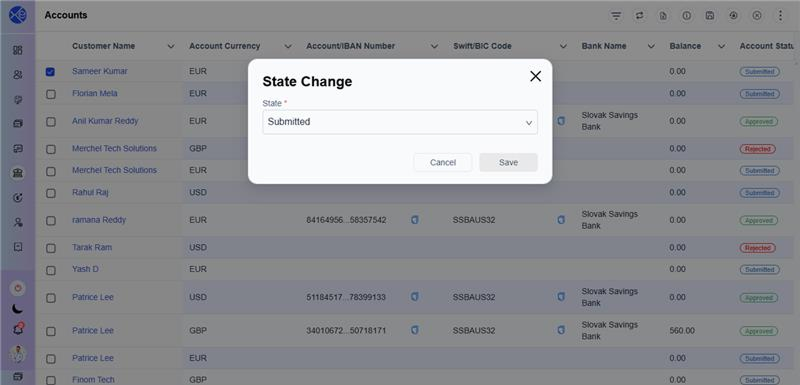
3.2.1 Admin views the deposit transaction details and commissions charged. 3.2.2 The Admin must change the transaction status from "submitted" to "pending".
3.2.3 You will receive a notification and should refresh the screen.
3.2.4 Once the system automatically approves the pending transaction, refresh the screen again to see the total amount reflected.