5. Identity Verification (KYC/KYB)
This step verifies your identity based on the account type selected.
5.1. The system asks for KYC (Know Your Customer) if you chose a Personal Account, or KYB if you chose a Business Account.
5.2. Click on Continue, then click on Agree and Continue.
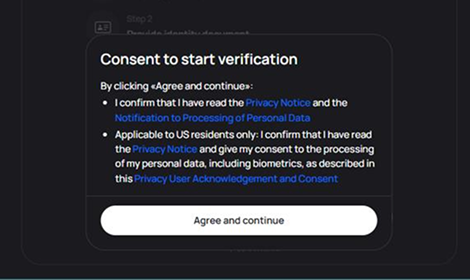
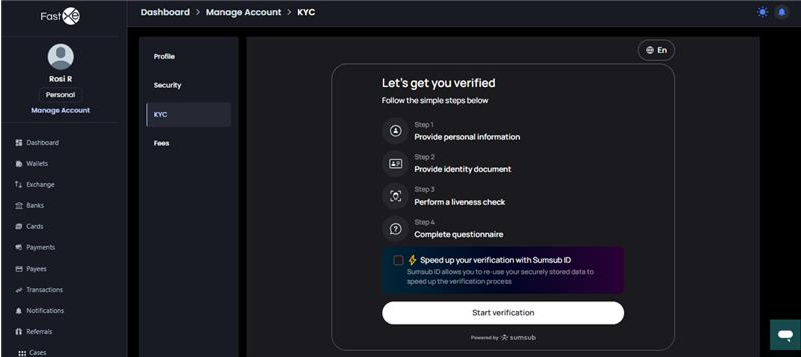
5.3. The process involves two steps:
5.3.1. Step One: Provide any identity document.
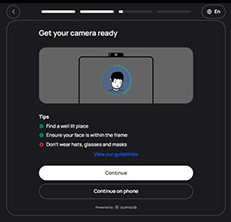
5.3.2. Step Two: Perform a liveness check.
5.4. Click Start Verification.
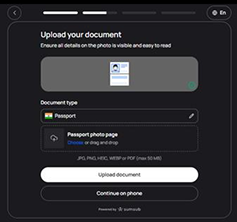
5.5. Select your identity document (e.g., India passport).
5.6. Upload the Document: You can choose to upload the document directly, or select the option to take a photo of the document while it is being handheld.
5.7. You may be offered to continue the process on phone by scanning a QR code or copying a link to your mobile browser.
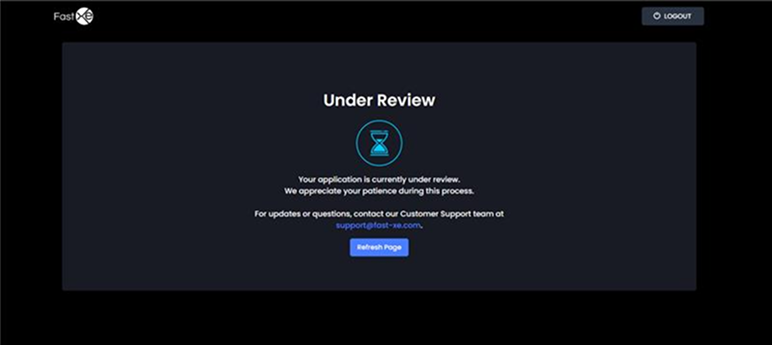
5.8. Once completed, the KYC details are submitted, and you will receive a notification: "your KYC is currently under review".
5.9. Pending Review: If you log out and log back in before KYC approval, the system will keep you on the verification page.
5.10. Approval: Once the KYC verification is successfully approved, the system automatically redirects to the next page.