6. Account Finalization and Dashboard Access
This section describes the final step managed by the administrator, leading to full account access.
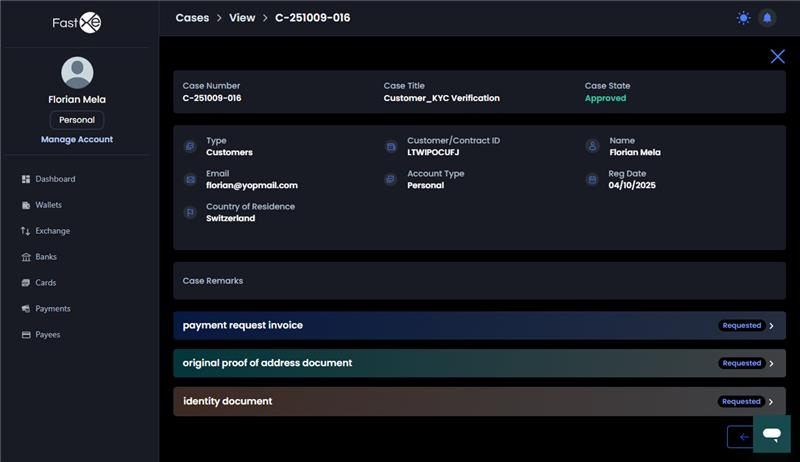
6.1. An administrator must change the customer status. The final status change to approve is made from the admin panel.
6.2. Once the customer status is approved, the system automatically redirects the user to the dashboard.
6.3. Case Creation (Optional): An administrator may create a case, requesting that you submit more files. While the case is active, you must close it, though the platform generally does not stop you from performing transactions.